
Building your Fourby Multifunction Clock kit.
Your Fourby Multifunction USB clock is 3D printed, we will need to do some clean up of the print before we can assemble the electronics.
Please check the contents of your parts bag for:
- USB module
- Clock Module
- Retaining Screw
You will need the following tools to complete your Fourby USB Clock kit build
- Wire Cutters/Strippers
- 2.5mm Allen Key
- Small Connection Flat Blade screwdriver
- A ruler or tape measure
These Instructions cover both the Discovery 1 and Discovery 2 clock variants
The photographs depict both a Discovery 1 clock and a Discovery 2 Clock
******WARNING******
For owners of a DISCOVERY 2
During this install process you will be operating the central locking button of your car, keep your keys on you. you dont want to end up locked out of your car.
Dont let this be you..!!
Follow the pictures below to remove the support material created during the printing phase.
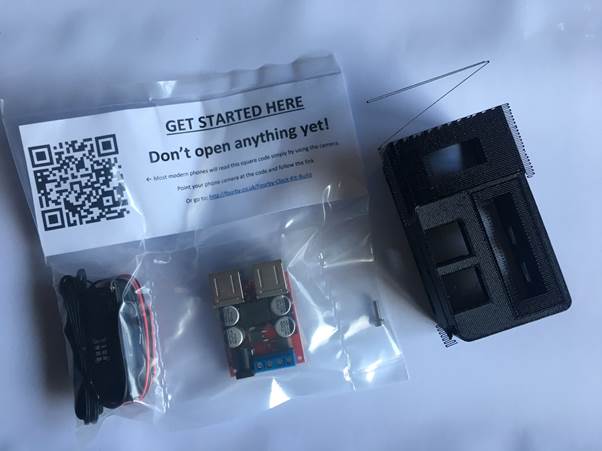
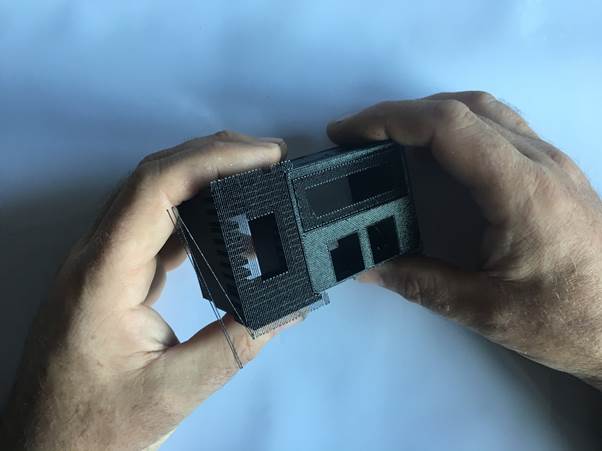
Gently remove support material
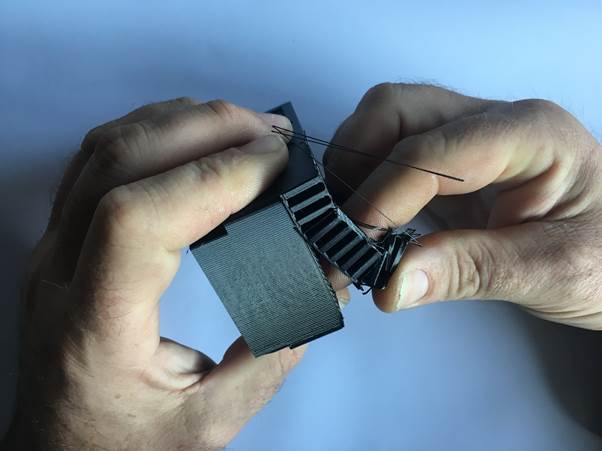
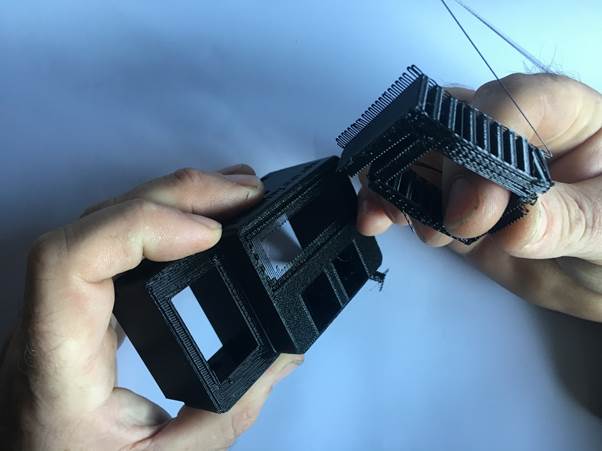
Gently remove support material
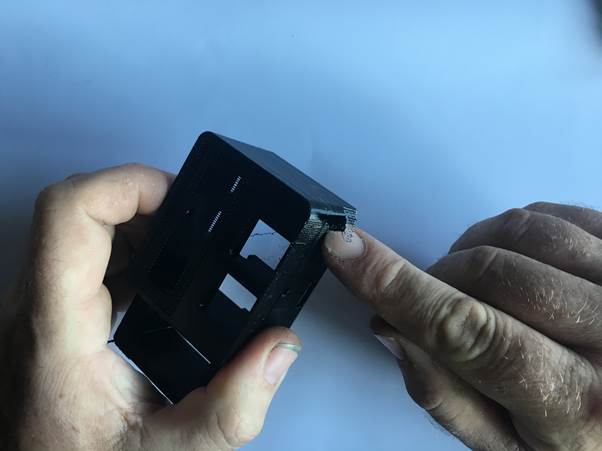
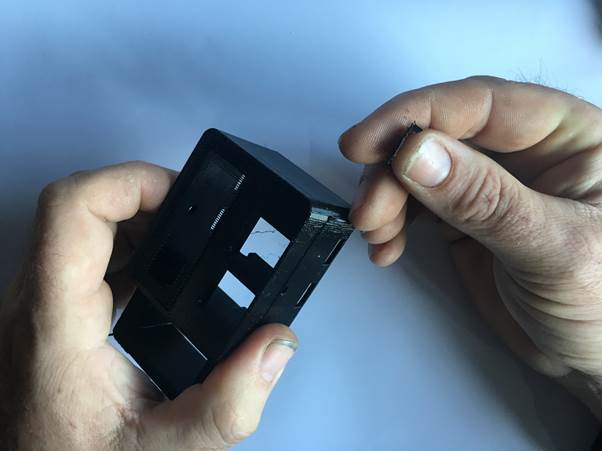
Gently remove support material
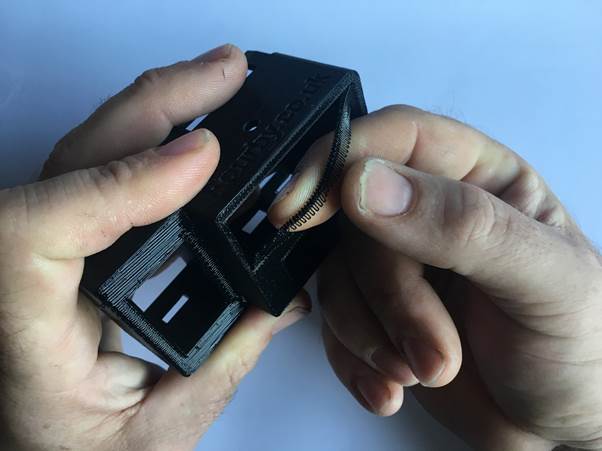
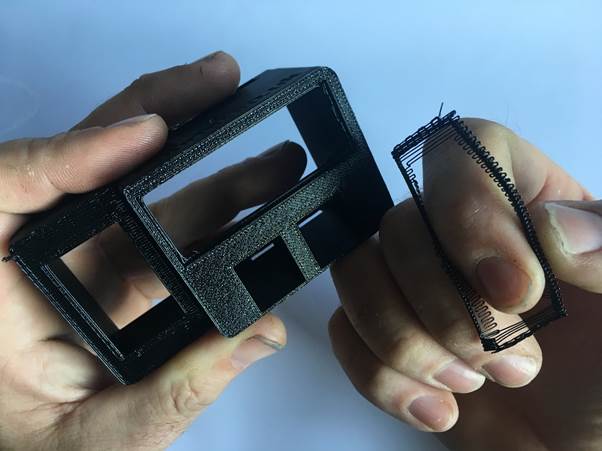
Cleanup Complete, on to the the next bit….

Find the USB Module from your parts bag
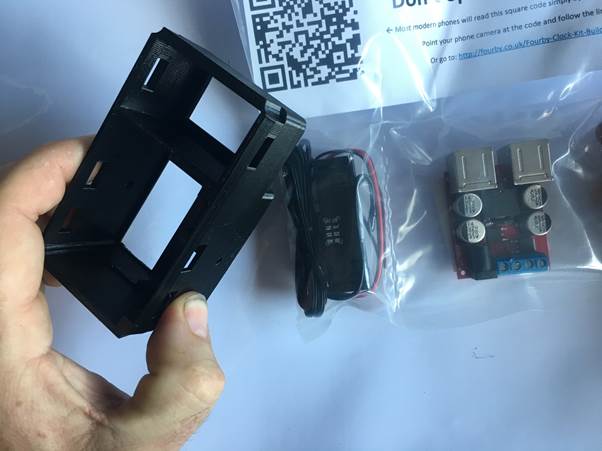
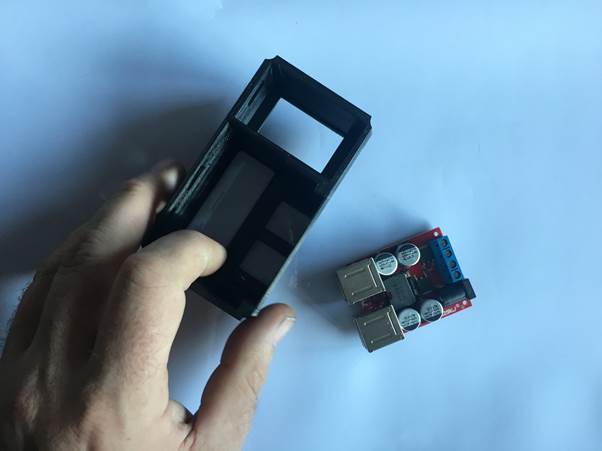
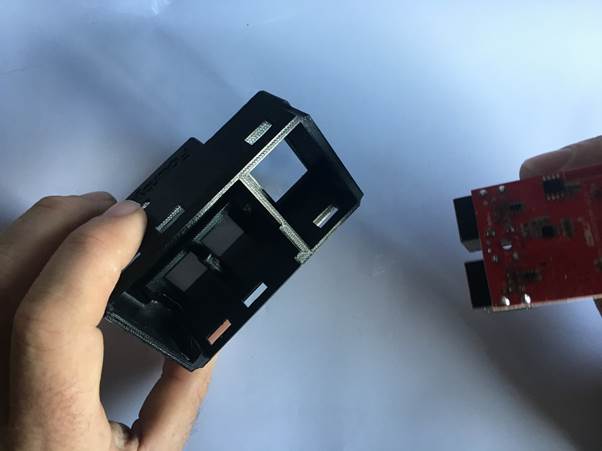
face down on a flat surface, add in the USB module
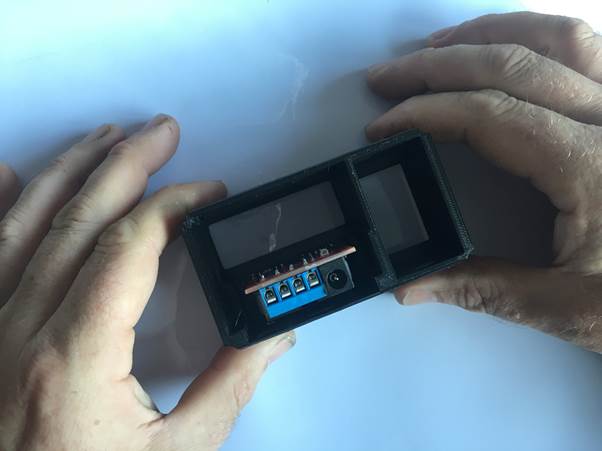
Find your retaining Screw from your parts bag
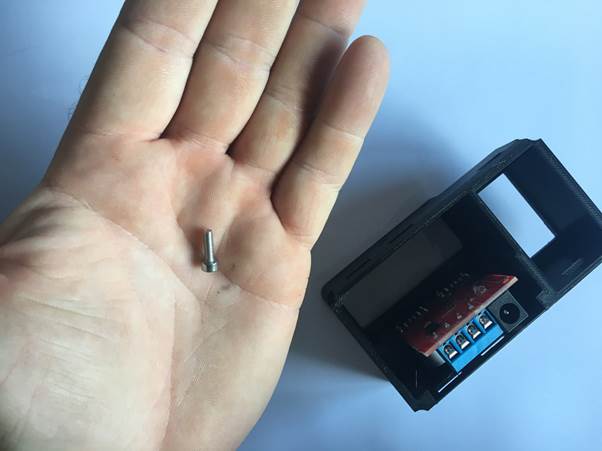
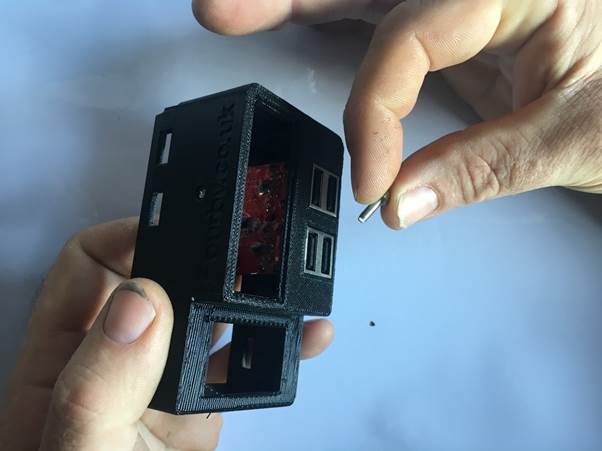
Using a 2.5mm Allen Key Add the screw.
Important: There are no threads already, the screw will cut its own thread, take your time and allow the screw to bite and draw itself down, dont rush, its a very fine thread, torque up the screw just enough for it to be tight but dont overtighten and destroy the threads. Needle nose pliers may help here.
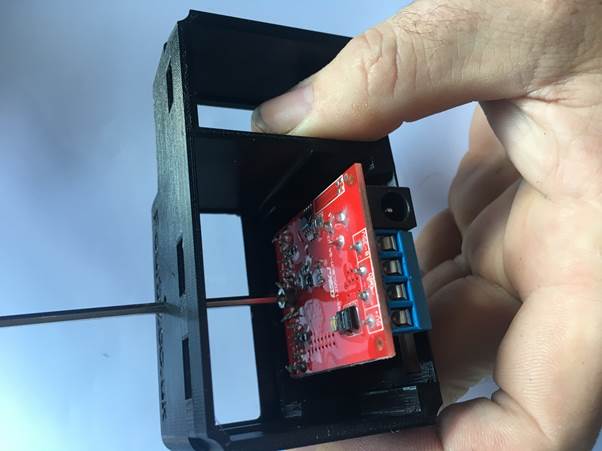
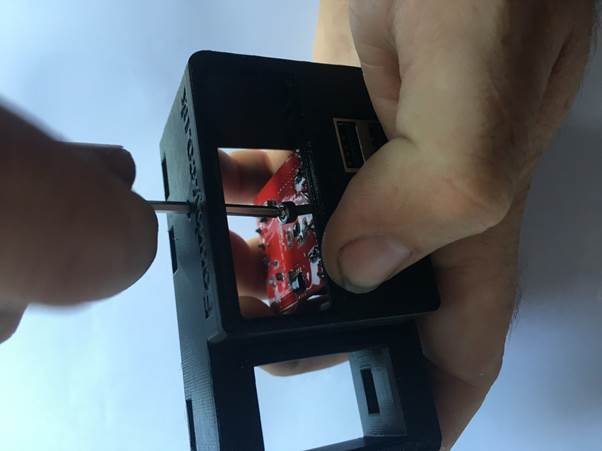
USB Module done, on to the next bit….

Find the Clock Module from your parts bag
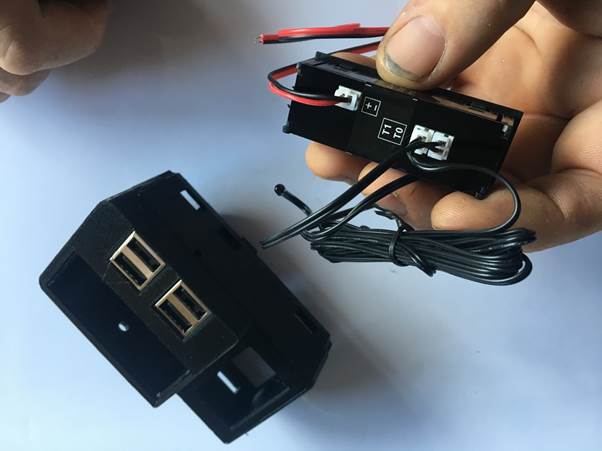
Gently Pinch the white power plug connector from the clock and remove the power cable for now
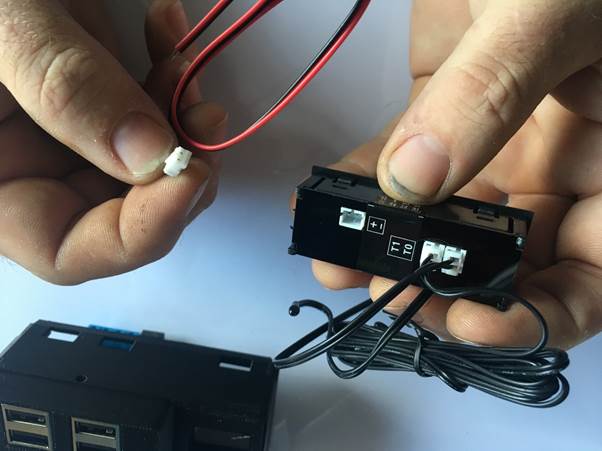
Offer the clock into position being carefull about the orientation, thread the temp probes though
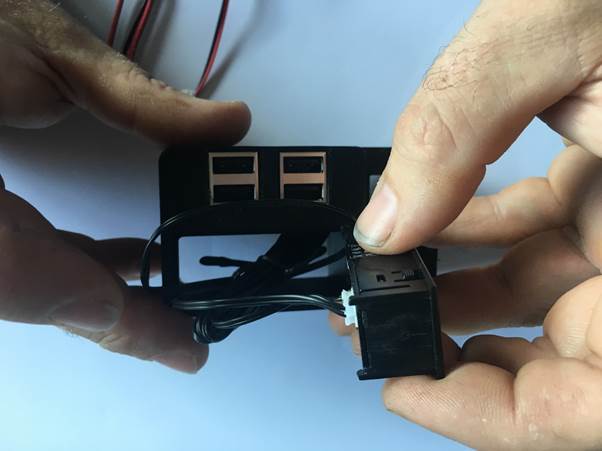
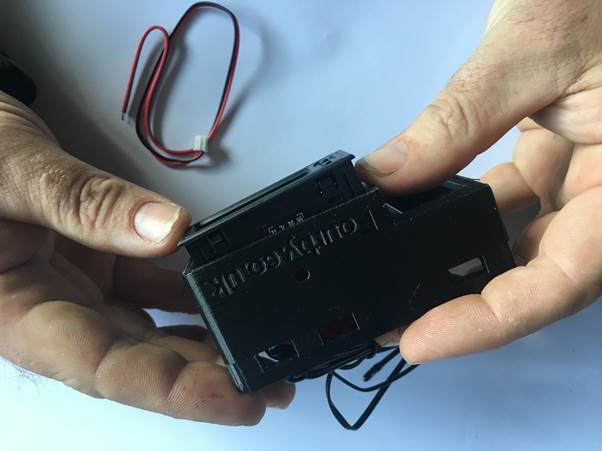
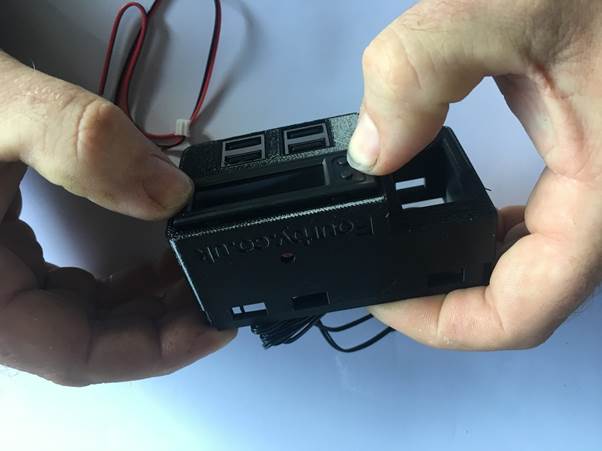
Make sure the two clock buttons are in the upper left and click the clock module into place
Clock Module done, on to the next bit.

Next you will Wire the clock
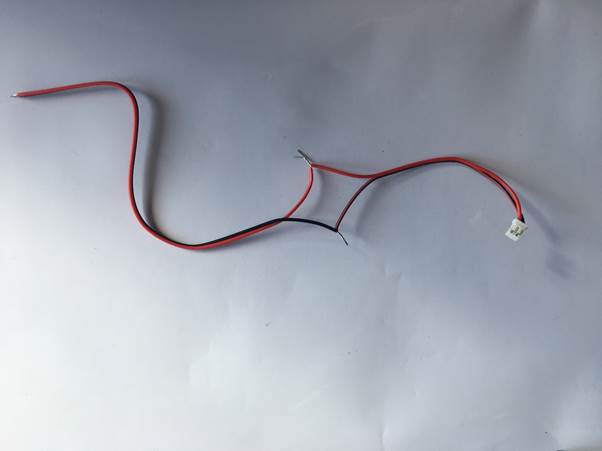
Take the power cable from the clock
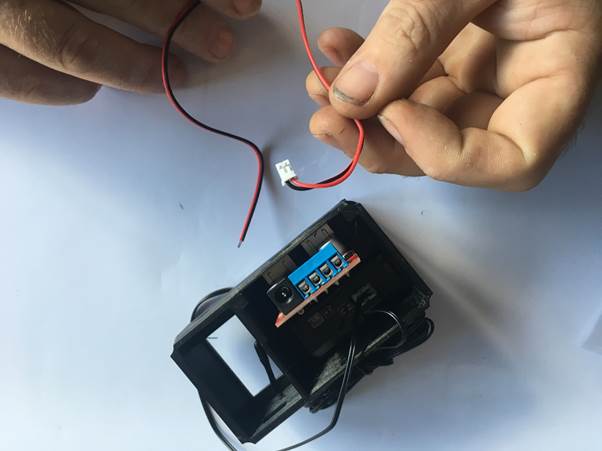
measure 4″ from the white plug and cut it
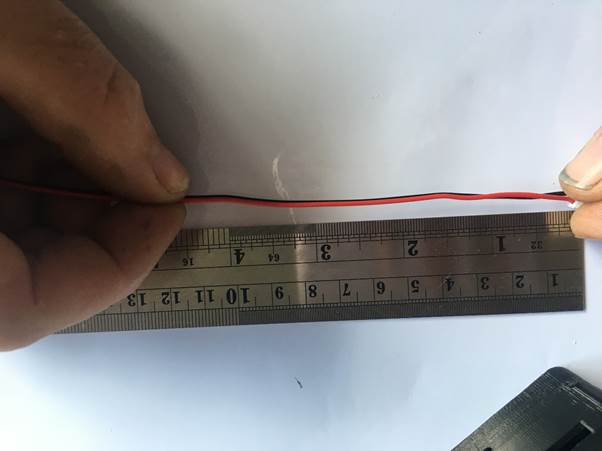
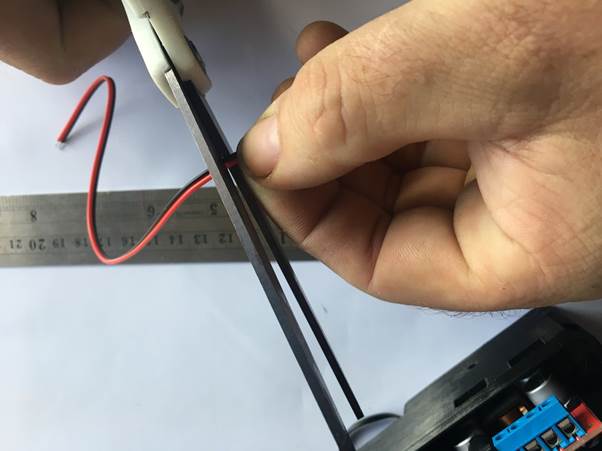
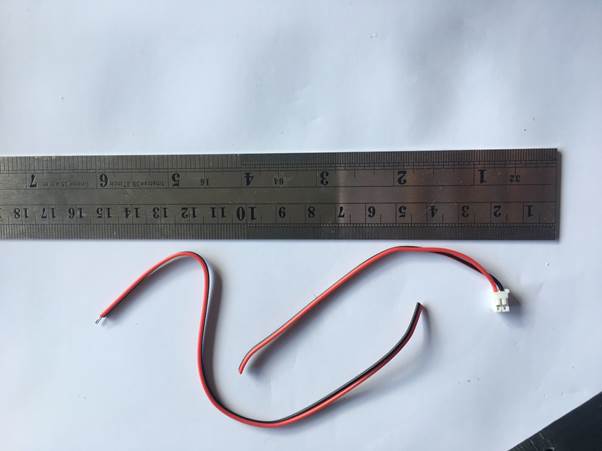
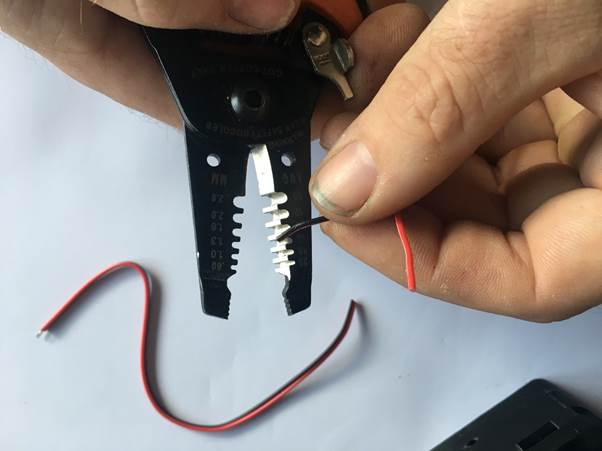
strip the new ends
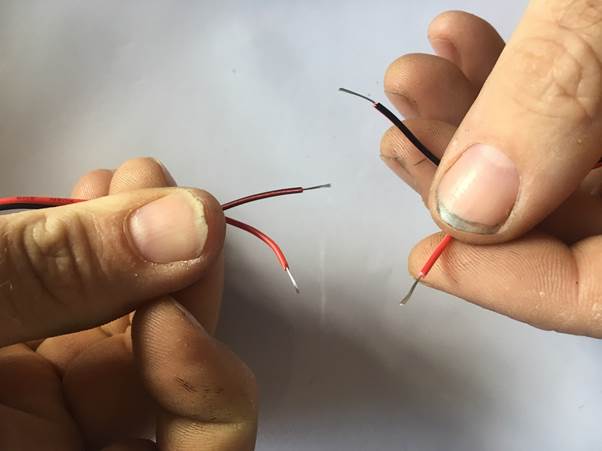
Twist them back together, Pay close attention to matching the correct colours back up
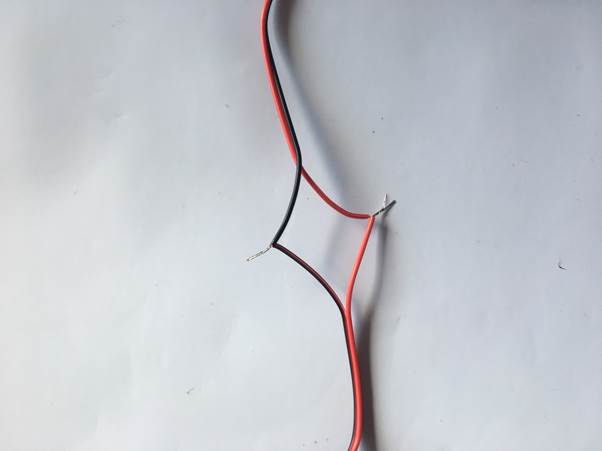
Grab your screwdriver and screw the black wire into the connection block in the position shown. use the twists you just created into the terminal block
Pay attention to the correct hole for the BLACK wire
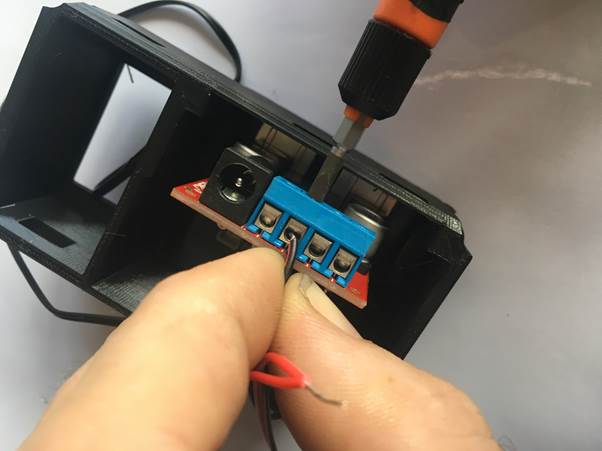
screw the RED wire into the connection block in the position shown. use the twists you just created into the terminal block
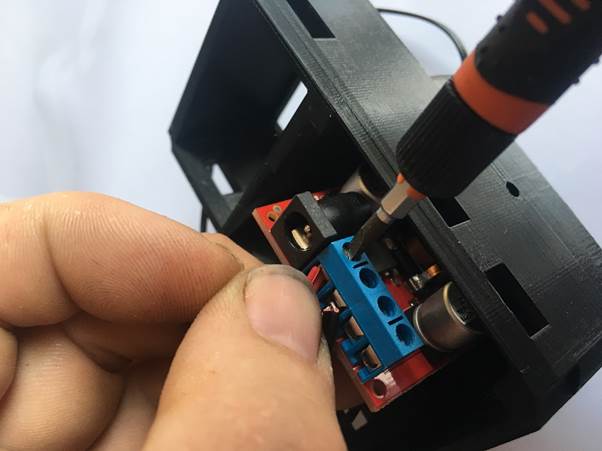
Double check you got the wires in the correct terminals
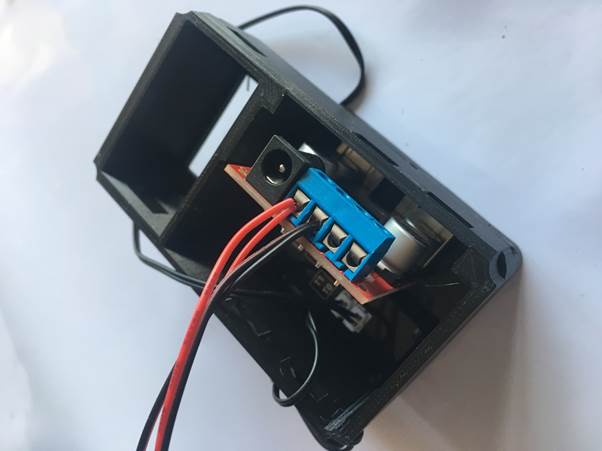
Reconnect the power supply to the clock module, Needle nose pliers may help here
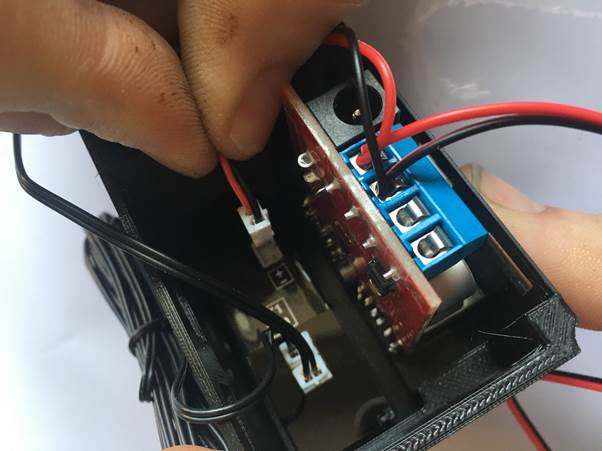
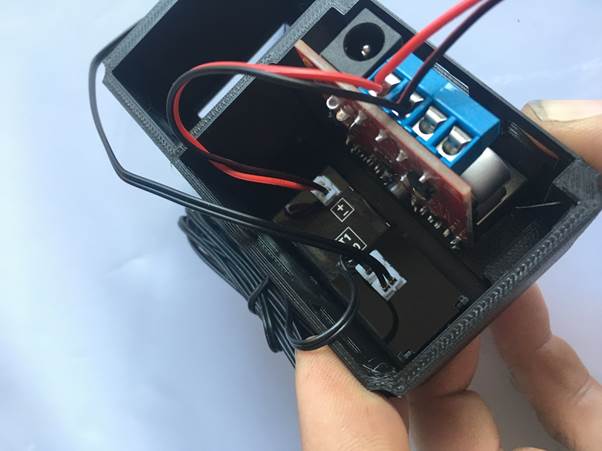
Your clock is built…. Haribo Time…!!!
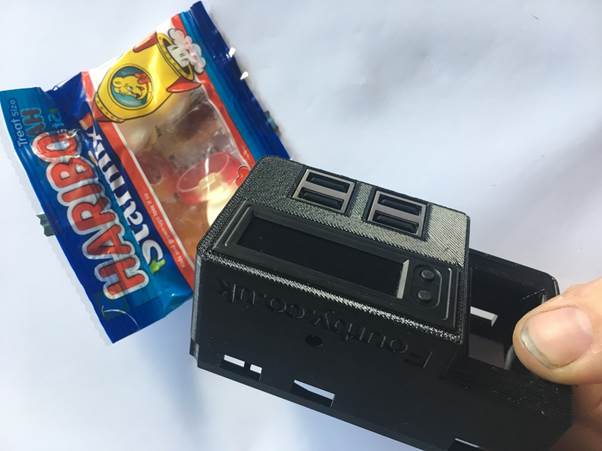

Time to go to the car….
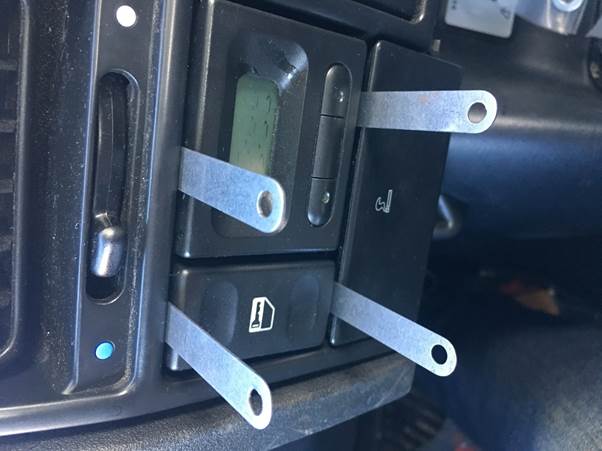
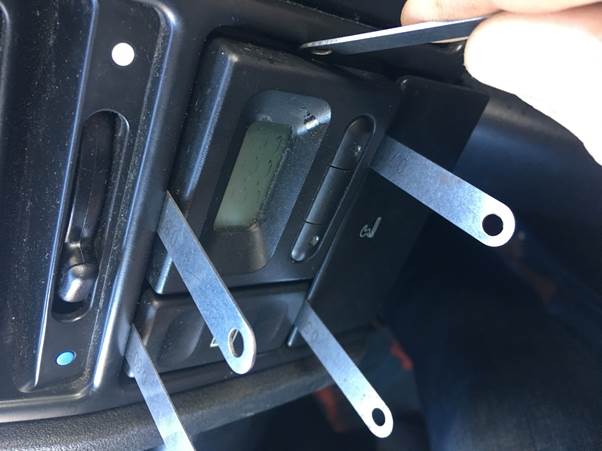
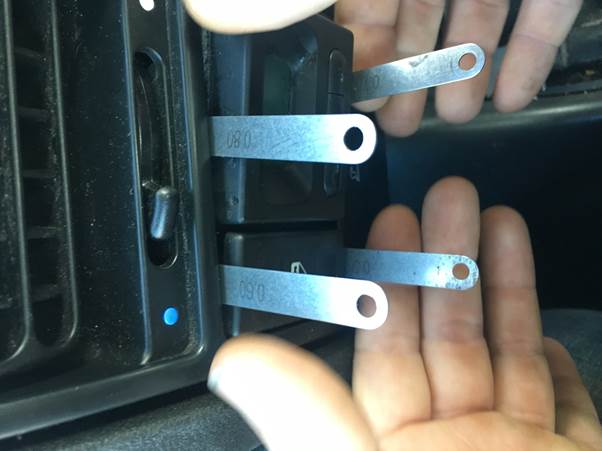
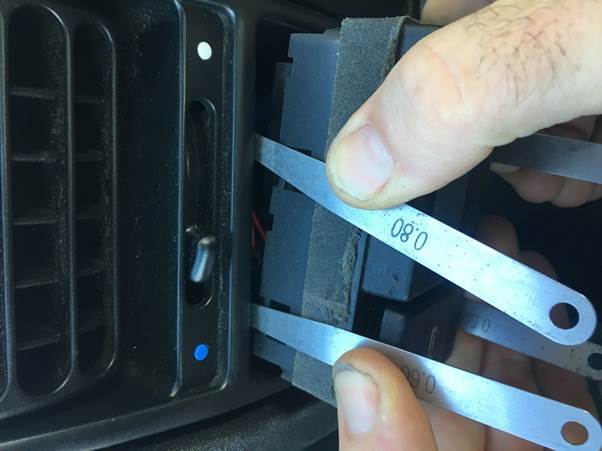
You will need a set of shims to remove the old clock, a set of feeler guages works a treat.
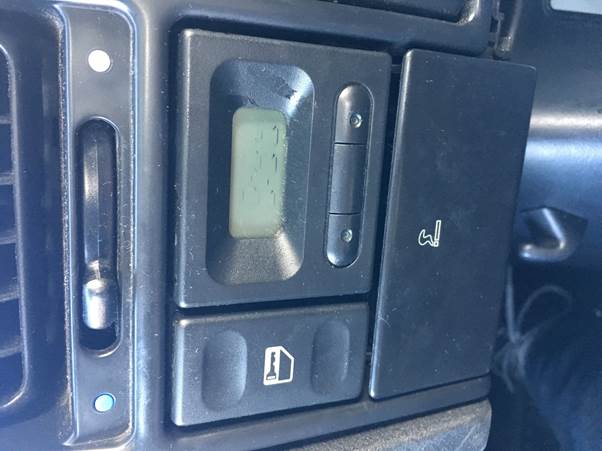
There are 4 clips that hold the original clock in, they need to be pushed back so the old clock can slide out, put your shims in these positions and have a feel for them, once you locate them you will need to slide the shim between the clock body and the clips moulded into the dash surround, once you get all 4 the clock will come out.
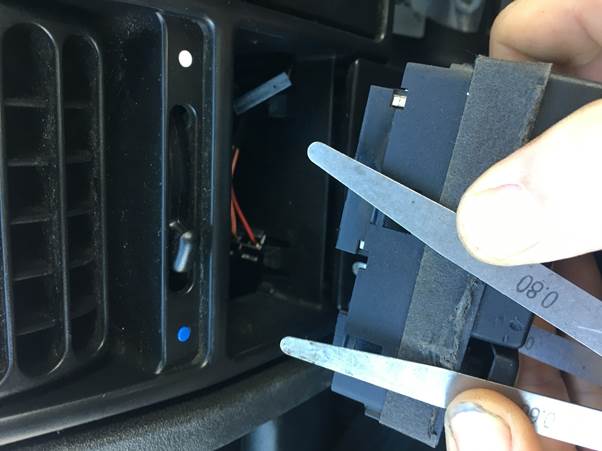
Disconnect the multi plugs
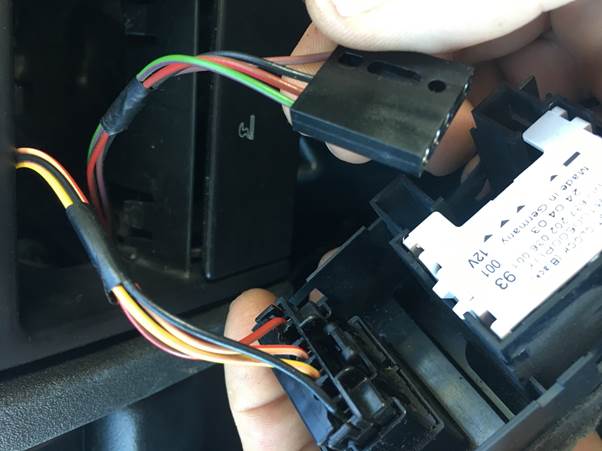
Push out the switch from the back and remove it all together
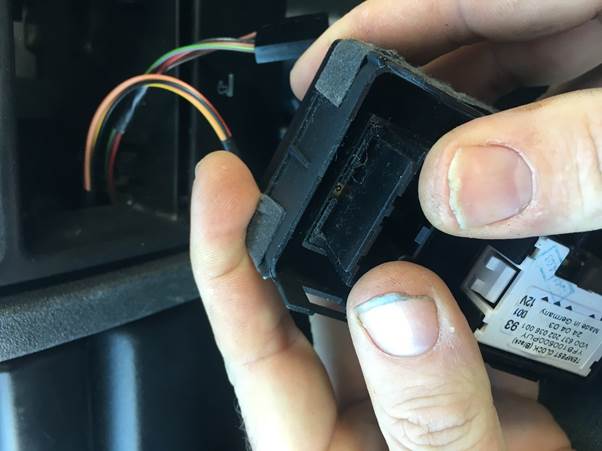
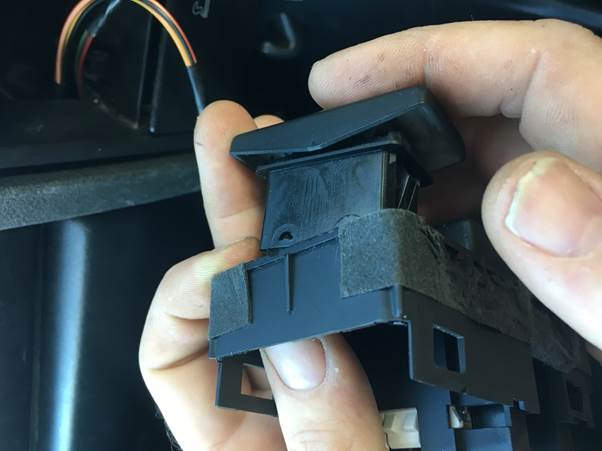
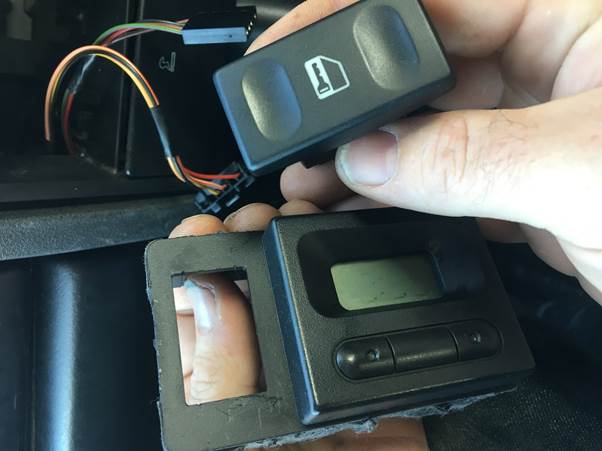
That’s the old clock completely removed
Now to install your New Fourby USB Clock
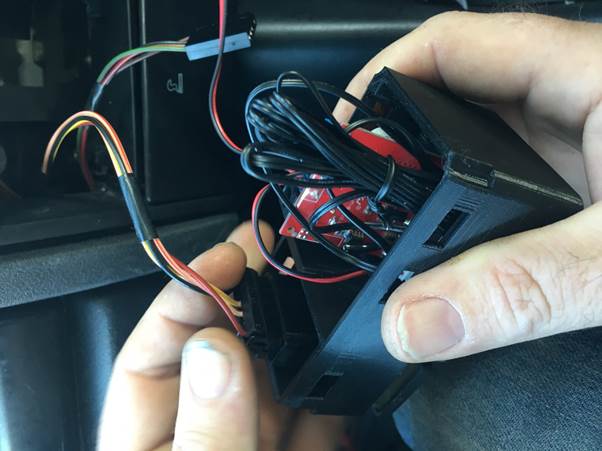
Put the switch into your new Fourby USB Clock
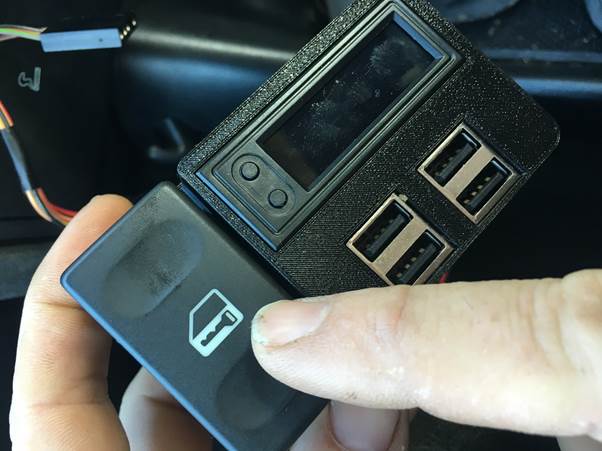
Connect the Multiplug and test your central locking button for correct operation
Route The Temp probes as needed.
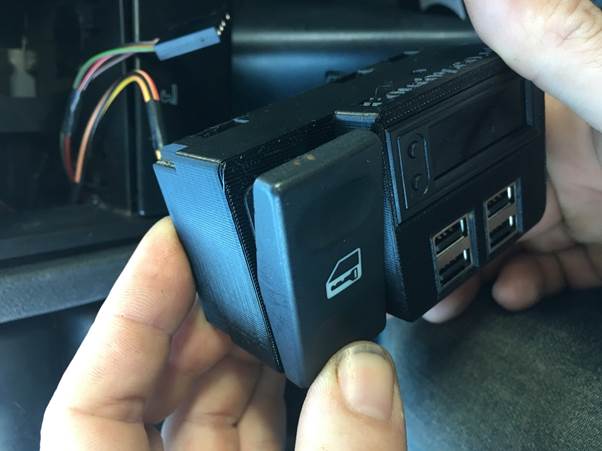
Push the BLACK wire into the power multiplug to connect with the black wire on the cars loom
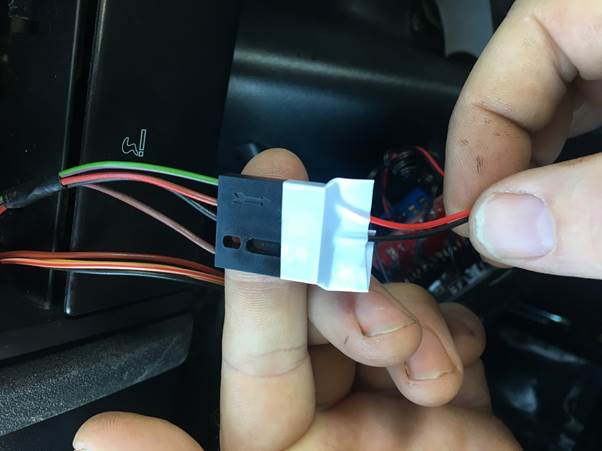
Push the RED wire into the power multiplug to connect with the GREEN wire on the cars loom
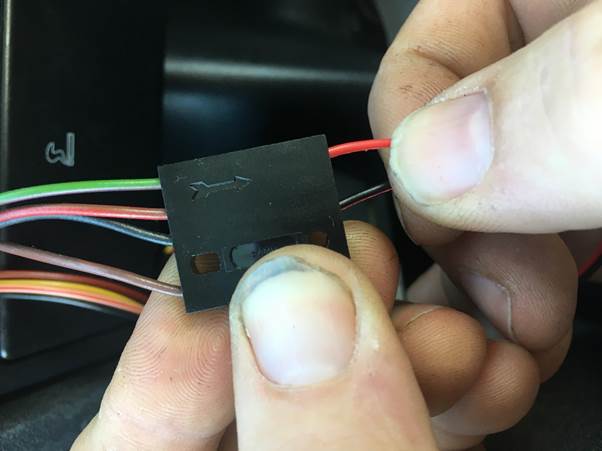
Use tape to secure the wires.
Taping the connector might not be your idea of making a sound connection, we understand that. So use any method you wish to connect the wires, you could cut the cars loom and use crimp connectors or solder, or you could bring the original wiring loom connectors to the screw terminal block on the USB module. This wiring, it’s up to you….
One last test to verify operation, Key up the ignition and make sure the clock works
then click the clock into the dash
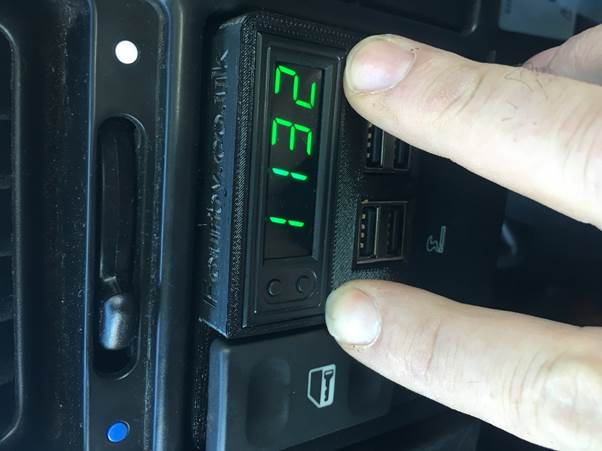
You have your phone in your hand and your clock installed, please would you take a photograph of your install for us ?
It would mean the world to us if you post it to your Facebook account with the hashtag #Fourbyclock
Thankyou, it helps us to help you and it helps others make their decision…
Your Fourby Multifunction USB Clock install is now complete, next you will setup to program and calibrate the clocks operation….